

Leaving Wallet? Here’s what to expect.
If you’re ready to remove your wallet from Sendwave, we’ll make sure you do it safely and securely. This process is called wallet ejection. Once you eject your wallet, you can’t go back. You’ll get a private ejection key that gives you full control of your funds - it’s very important you keep this safe. Important: No one from Sendwave will ever ask for your ejection key.
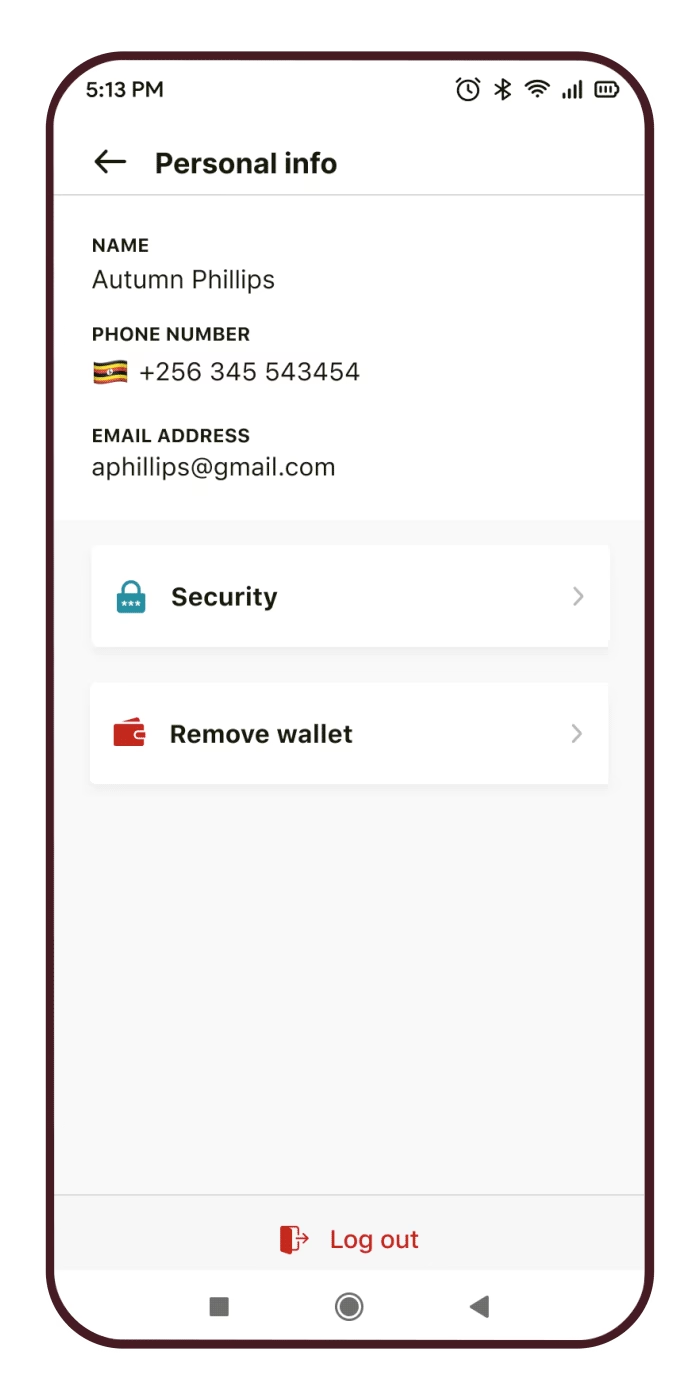
How to remove your wallet Step-by-step
Tap Remove Wallet in the Personal Info section of your app.
Confirm your PIN to proceed.
Tap Confirm to acknowledge that wallet removal is permanent and you understand the risks.
Tap Remove Wallet again.
Authorize with your Pass Key. This might be a fingerprint or device PIN, depending on your phone.
You’ll now land on the main ejection screen with:
A link to https://scalarwallet.org/ to use your wallet
A box containing your private key
3 options to save your key:
Copy to clipboard
Save to your password manager
Download to your device
Choose at least one of the above saving options.
Once your key is downloaded and saved, you will be logged out.
AFTER LEAVING YOUR WALLET
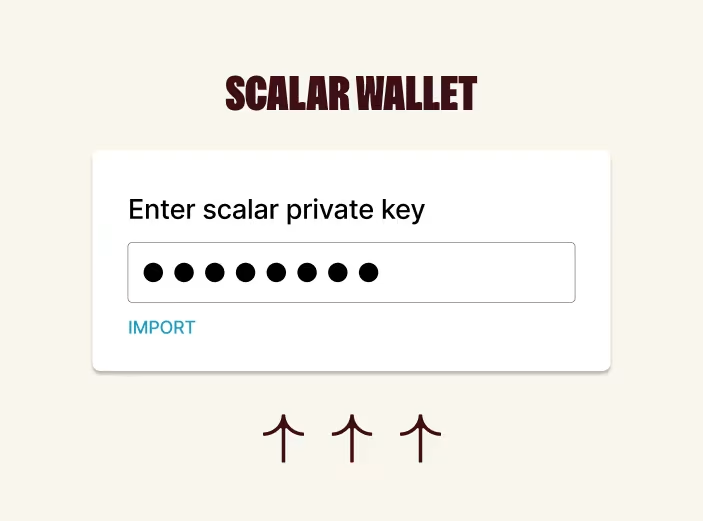
1. managing your wallet
Once you have your ejection key, you can manage your wallet through https://scalarwallet.org/
What you’ll need:
The recipient address that you wish to send funds to. This needs to be a valid address for a wallet on the Solana blockchain.
A small amount of SOL (the native cryptocurrency of the Solana blockchain). This pays the network (gas) fees. You can find your wallet’s public address at the top of the scalarwallet.org site once you enter your ejection key.
Choose the MAINNET option at the top right corner of the scalarwallet.org site.
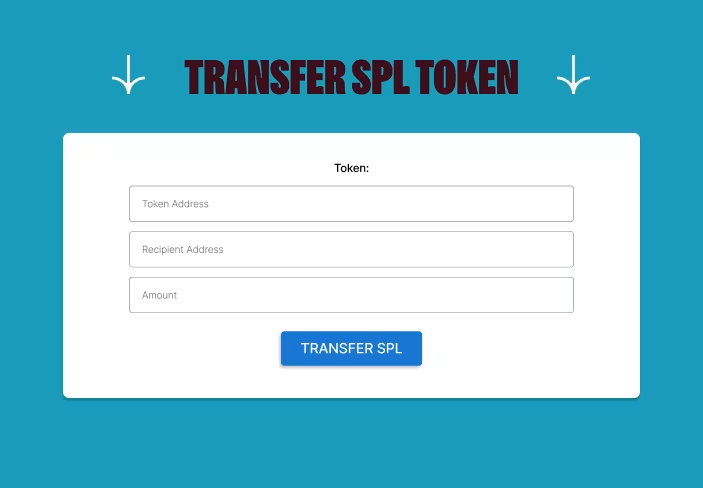
2. HOW TO SEND YOUR FUNDS
On scalarwallet.org, scroll to Transfer SPL Token and enter:
Token Address Copy and paste: EPjFWdd5AufqSSqeM2qN1xzybapC8G4wEGGkZwyTDt1v
Recipient Address The address of the wallet you’re sending funds to.
Amount The amount of USDC you want to send. Once you’ve funded your wallet with SOL and filled in the details, click Transfer SPL.
FAQ common questions
Why would I want to eject my wallet? A. You would eject your wallet if you wanted to move your funds between other non-Sendwave crypto providers.
Will I lose access to my wallet if I eject? A. No, you will not lose access to your wallet. You will be given a key that grants you access to the funds in the wallet.
Will I lose access to Sendwave services once I’ve ejected? A.Yes, once you’ve gone through the ejection process you will no longer be able to use Sendwave services to return any funds you receive and send - or withdraw those funds to local currency.
I’ve lost my Ejection Key, please can you send it to me? A.Unfortunately, we cannot supply you with the ejection key for your wallet. We strongly recommend that you store the ejection key within a password manager or secure local storage that you maintain access over. B.The security of the wallet is protected by your personal cloud account so we do not have any access or ability to get your ejection key.
How sensitive is my ejection key? A.Your ejection key should be secured and kept only to yourself. If anyone was to gain access to your ejection key, they could move your funds freely - and there’s nothing you can do to stop it.
24/7 Help
If you find yourself needing assistance with our app, the Sendwave team is always on hand at any time by in-app chat for up-to-date support. For call support hours, please click the “Contact Us” button.
Contact Us